Adding craft to your membership
Log in to the members portal
Select "Boats & Logbook"
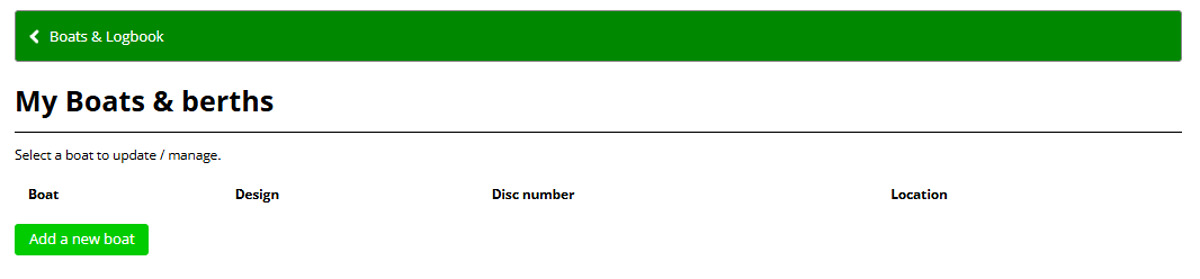
Then select "My boats & berths", which takes you to the following screen, where any boats you currently own will be shown along with any on site berth details (if you berth your craft at the club).
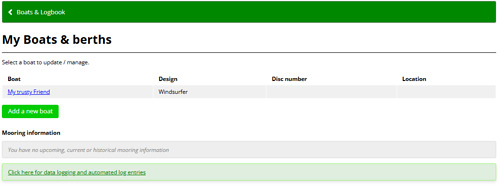
Click the "Add a new boat" button and fill in as many details as you can such as Class, sail number etc
For Name: unless your boat does actually have a name on it, please use your surname and then the type of craft e.g. Jones Laser, or Smith Canoe
For Dinghies - If you select the class of boat from the drop down, many of the fields will be populated. If your craft type/ design is not listed please get in touch.
For Kayaks, Canoes, Paddleboards and Windsurfers - select "Other" in class / design (at the bottom of the list) and start typing (say Kayak, or paddl) in the prompt and the classification will appear. Please do not create a new class or design for any paddle craft or windsurfer.
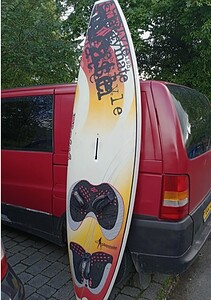
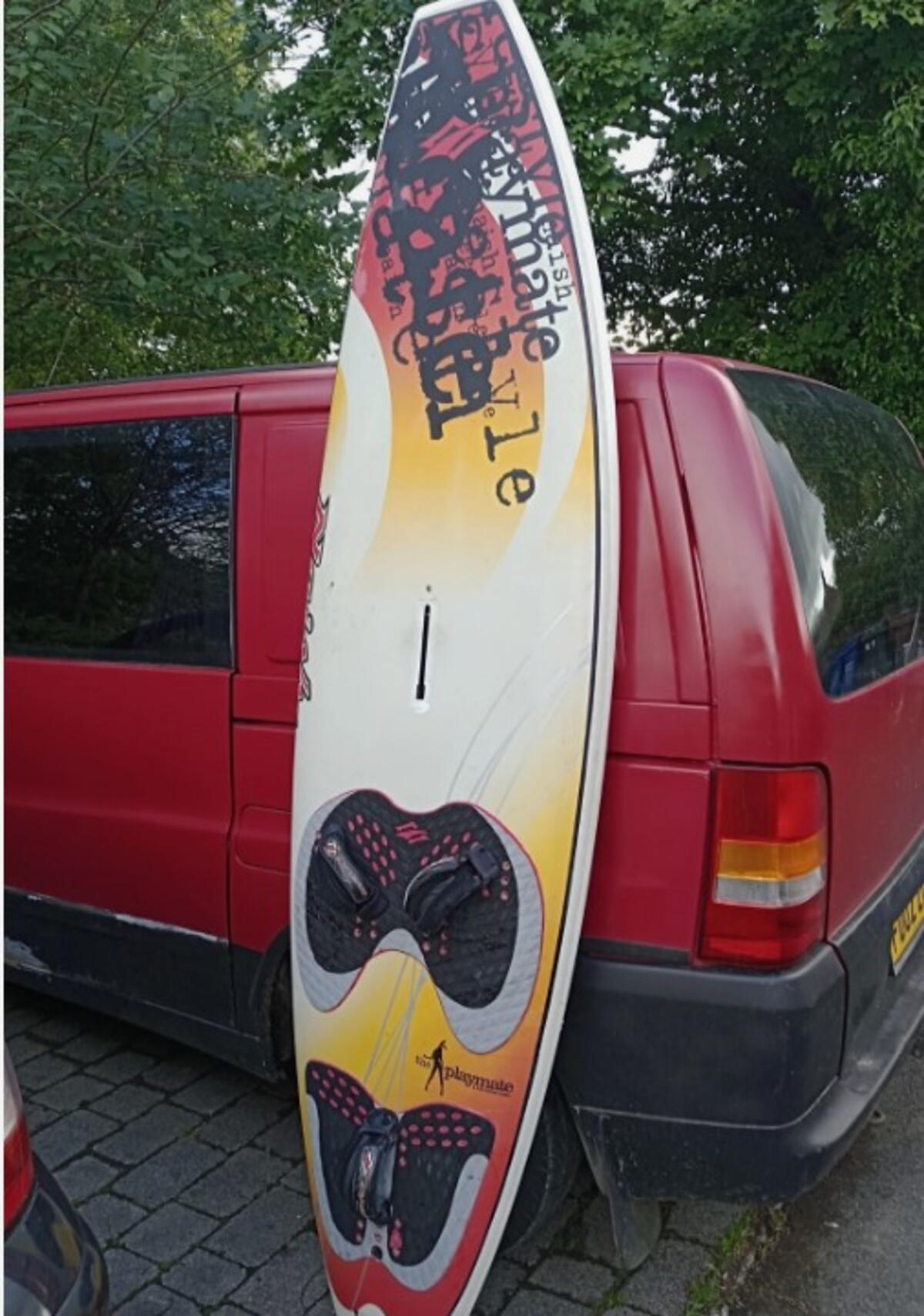
To add a photo, simply upload an image at the bottom of the page - if you don't have a photo to hand, then you can always add one from your phone at a later date - this image doesn't need to be too staged, just something that means we can see the craft and identify it during a spot check (see below)